Describe it.
Nolan directs it.
From a single chat: images, videos and talking UGC ads. An AI agent plans the shots and writes the prompts, frontier models render them, and you approve every generation before it runs.
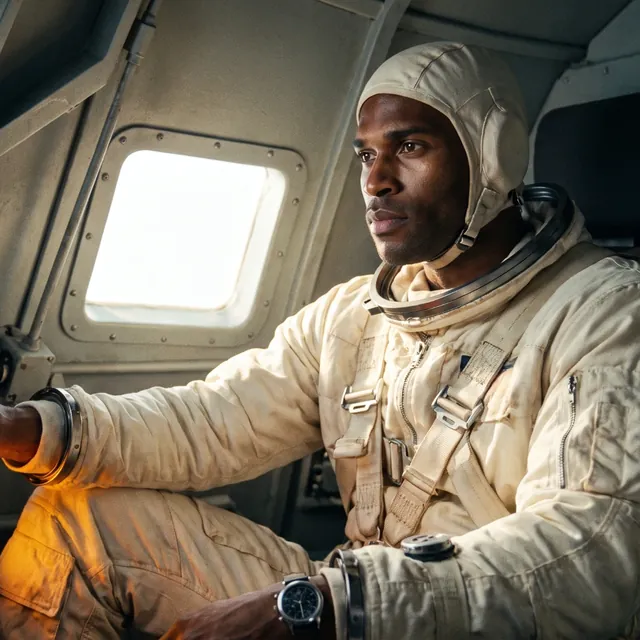
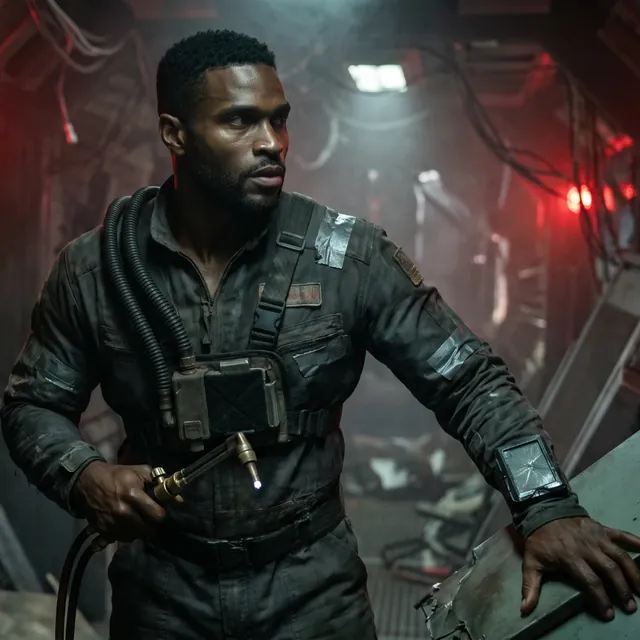
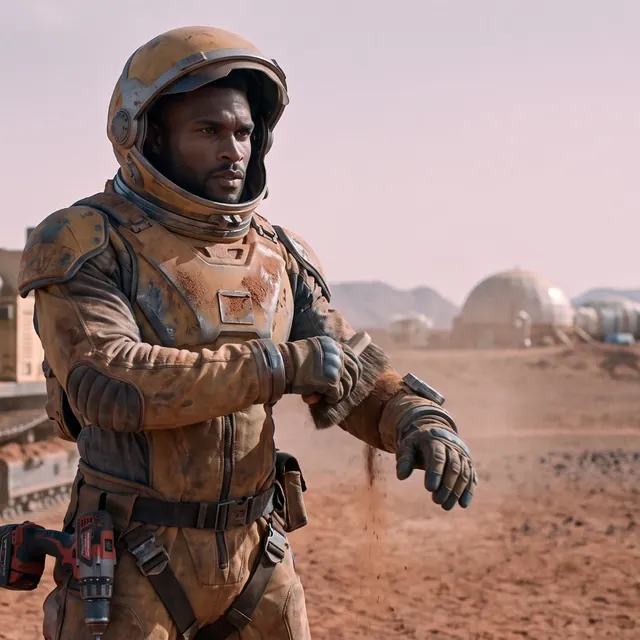
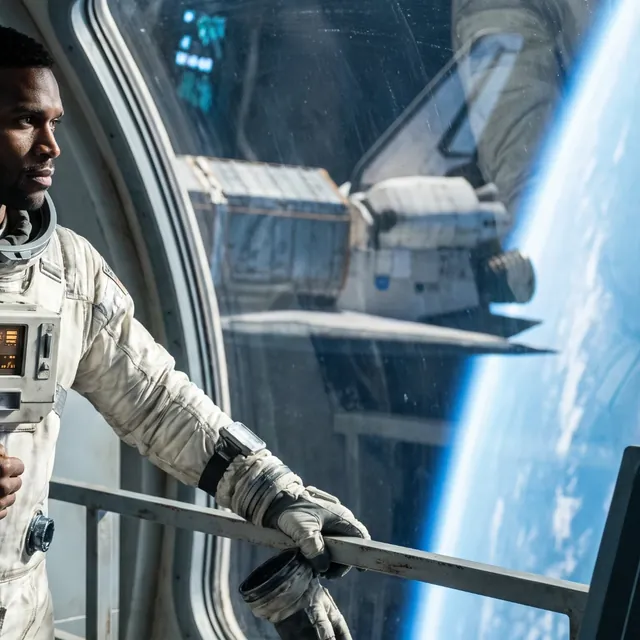
One chat. Images, clips and characters.
Tell Nolan what you want and its agent plans and generates it across a roster of frontier models — then refine in chat, or take the controls yourself in Manual mode.


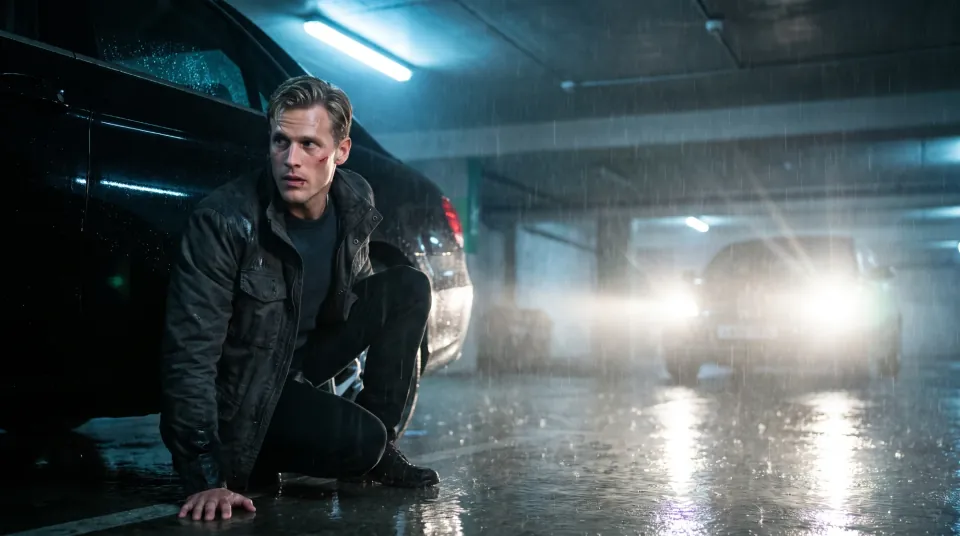
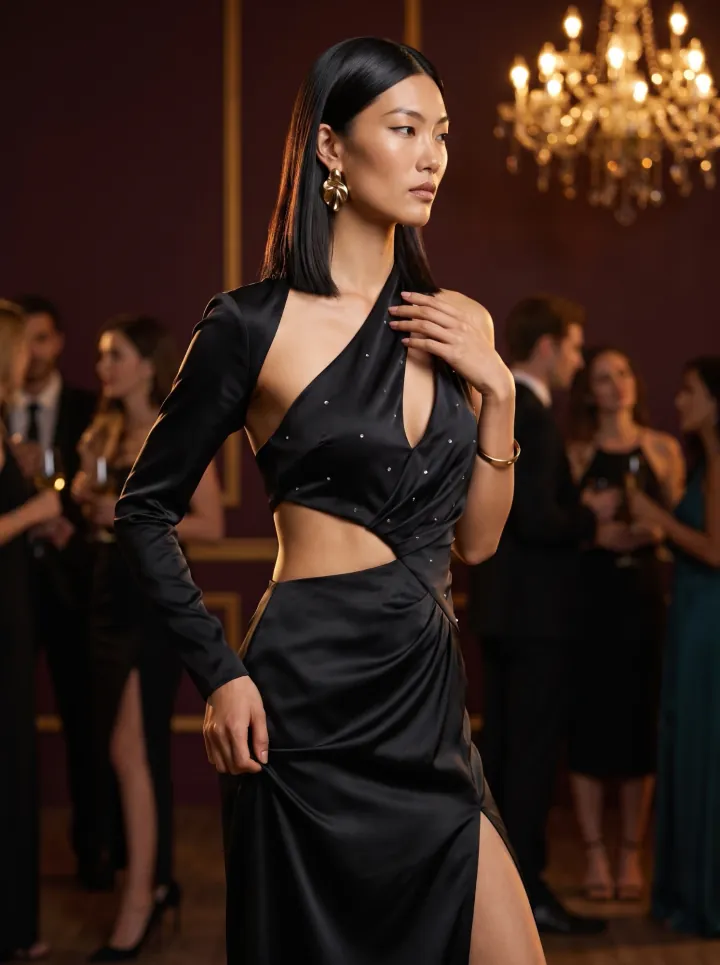
Cast once. Keep them consistent.
Build a character a single time: a written identity and a look you approve. Name them in any chat and the same face carries across everything you generate.

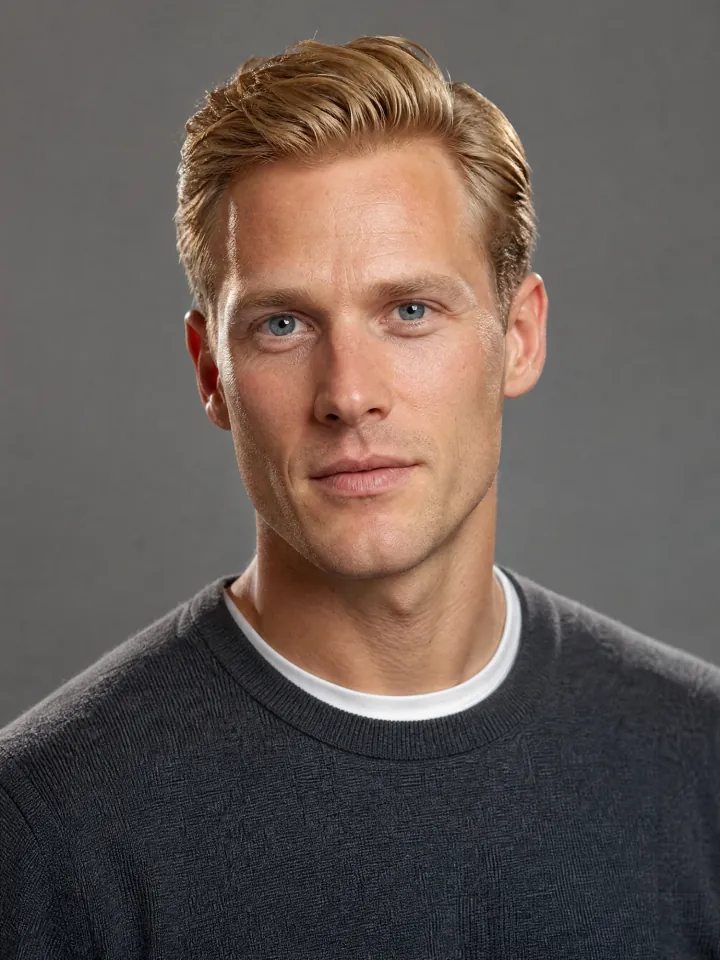

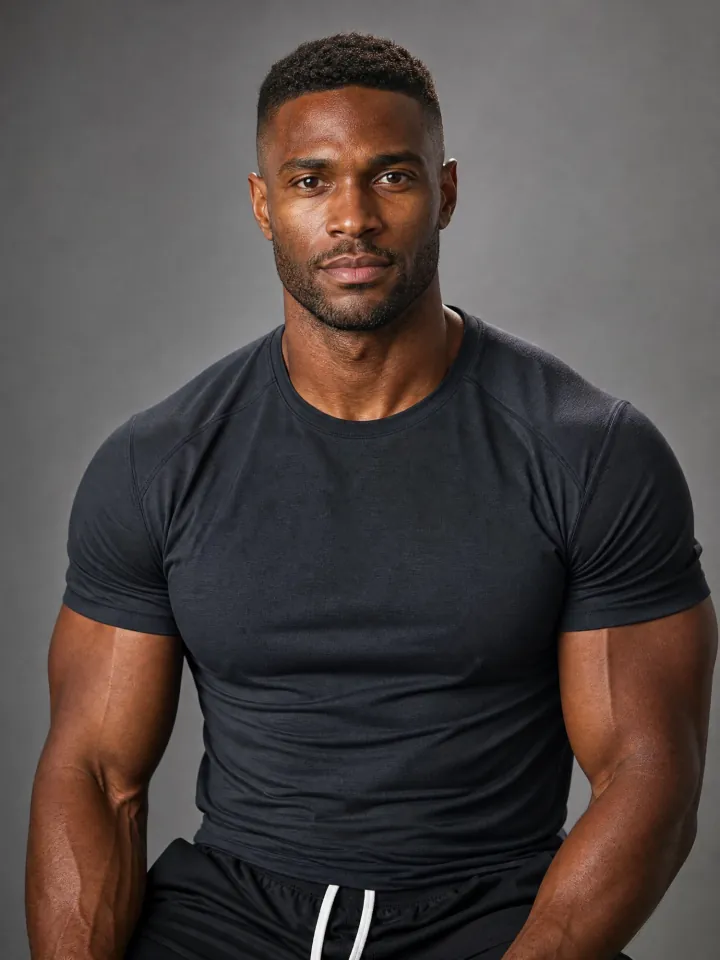

Describe it. Approve it. Use it.
Say what you want.
Plain English. Attach a product, reference or character — the agent plans the shots and starts creating.
See the plan and the cost first.
Nolan shows what it will make and the estimated credits. Nothing is generated or charged until you approve — or switch to Manual and set every control yourself.
Take it anywhere.
Every image and clip stays in its project. Download it, reuse it as a reference, or keep iterating in the same chat.
Solo creators & storytellers.
A content calendar from your couch.
Type the video you want and walk away with a post. Cast a character once and keep the same face across everything you make.
'%2F%3E%3Cstop%20offset%3D'.55'%20stop-color%3D'hsl(35%2040%25%2017%25)'%2F%3E%3Cstop%20offset%3D'1'%20stop-color%3D'hsl(172%2030%25%207%25)'%2F%3E%3C%2FradialGradient%3E%3CradialGradient%20id%3D'b'%20cx%3D'42%25'%20cy%3D'69%25'%20r%3D'62%25'%3E%3Cstop%20offset%3D'0'%20stop-color%3D'hsl(172%2055%25%2040%25)'%20stop-opacity%3D'.5'%2F%3E%3Cstop%20offset%3D'1'%20stop-color%3D'hsl(172%2055%25%2018%25)'%20stop-opacity%3D'0'%2F%3E%3C%2FradialGradient%3E%3C%2Fdefs%3E%3Crect%20width%3D'400'%20height%3D'400'%20fill%3D'url(%23a)'%2F%3E%3Crect%20width%3D'400'%20height%3D'400'%20fill%3D'url(%23b)'%2F%3E%3C%2Fsvg%3E)
'%2F%3E%3Cstop%20offset%3D'.55'%20stop-color%3D'hsl(198%2040%25%2017%25)'%2F%3E%3Cstop%20offset%3D'1'%20stop-color%3D'hsl(337%2030%25%207%25)'%2F%3E%3C%2FradialGradient%3E%3CradialGradient%20id%3D'b'%20cx%3D'61%25'%20cy%3D'79%25'%20r%3D'62%25'%3E%3Cstop%20offset%3D'0'%20stop-color%3D'hsl(337%2055%25%2040%25)'%20stop-opacity%3D'.5'%2F%3E%3Cstop%20offset%3D'1'%20stop-color%3D'hsl(337%2055%25%2018%25)'%20stop-opacity%3D'0'%2F%3E%3C%2FradialGradient%3E%3C%2Fdefs%3E%3Crect%20width%3D'400'%20height%3D'400'%20fill%3D'url(%23a)'%2F%3E%3Crect%20width%3D'400'%20height%3D'400'%20fill%3D'url(%23b)'%2F%3E%3C%2Fsvg%3E)
'%2F%3E%3Cstop%20offset%3D'.55'%20stop-color%3D'hsl(2%2040%25%2017%25)'%2F%3E%3Cstop%20offset%3D'1'%20stop-color%3D'hsl(142%2030%25%207%25)'%2F%3E%3C%2FradialGradient%3E%3CradialGradient%20id%3D'b'%20cx%3D'40%25'%20cy%3D'59%25'%20r%3D'62%25'%3E%3Cstop%20offset%3D'0'%20stop-color%3D'hsl(142%2055%25%2040%25)'%20stop-opacity%3D'.5'%2F%3E%3Cstop%20offset%3D'1'%20stop-color%3D'hsl(142%2055%25%2018%25)'%20stop-opacity%3D'0'%2F%3E%3C%2FradialGradient%3E%3C%2Fdefs%3E%3Crect%20width%3D'400'%20height%3D'400'%20fill%3D'url(%23a)'%2F%3E%3Crect%20width%3D'400'%20height%3D'400'%20fill%3D'url(%23b)'%2F%3E%3C%2Fsvg%3E)
'%2F%3E%3Cstop%20offset%3D'.55'%20stop-color%3D'hsl(228%2040%25%2017%25)'%2F%3E%3Cstop%20offset%3D'1'%20stop-color%3D'hsl(7%2030%25%207%25)'%2F%3E%3C%2FradialGradient%3E%3CradialGradient%20id%3D'b'%20cx%3D'67%25'%20cy%3D'77%25'%20r%3D'62%25'%3E%3Cstop%20offset%3D'0'%20stop-color%3D'hsl(7%2055%25%2040%25)'%20stop-opacity%3D'.5'%2F%3E%3Cstop%20offset%3D'1'%20stop-color%3D'hsl(7%2055%25%2018%25)'%20stop-opacity%3D'0'%2F%3E%3C%2FradialGradient%3E%3C%2Fdefs%3E%3Crect%20width%3D'400'%20height%3D'400'%20fill%3D'url(%23a)'%2F%3E%3Crect%20width%3D'400'%20height%3D'400'%20fill%3D'url(%23b)'%2F%3E%3C%2Fsvg%3E)
Every shot, directed your way.
Work it out with Nolan — the brief, the script, the characters — then approve each shot before it runs. Or take the controls in Manual mode: choose the model, the duration and the resolution yourself.
'%2F%3E%3Cstop%20offset%3D'.55'%20stop-color%3D'hsl(28%2040%25%2017%25)'%2F%3E%3Cstop%20offset%3D'1'%20stop-color%3D'hsl(156%2030%25%207%25)'%2F%3E%3C%2FradialGradient%3E%3CradialGradient%20id%3D'b'%20cx%3D'69%25'%20cy%3D'60%25'%20r%3D'62%25'%3E%3Cstop%20offset%3D'0'%20stop-color%3D'hsl(156%2055%25%2040%25)'%20stop-opacity%3D'.5'%2F%3E%3Cstop%20offset%3D'1'%20stop-color%3D'hsl(156%2055%25%2018%25)'%20stop-opacity%3D'0'%2F%3E%3C%2FradialGradient%3E%3C%2Fdefs%3E%3Crect%20width%3D'400'%20height%3D'200'%20fill%3D'url(%23a)'%2F%3E%3Crect%20width%3D'400'%20height%3D'200'%20fill%3D'url(%23b)'%2F%3E%3C%2Fsvg%3E)
'%2F%3E%3Cstop%20offset%3D'.55'%20stop-color%3D'hsl(154%2040%25%2017%25)'%2F%3E%3Cstop%20offset%3D'1'%20stop-color%3D'hsl(351%2030%25%207%25)'%2F%3E%3C%2FradialGradient%3E%3CradialGradient%20id%3D'b'%20cx%3D'50%25'%20cy%3D'79%25'%20r%3D'62%25'%3E%3Cstop%20offset%3D'0'%20stop-color%3D'hsl(351%2055%25%2040%25)'%20stop-opacity%3D'.5'%2F%3E%3Cstop%20offset%3D'1'%20stop-color%3D'hsl(351%2055%25%2018%25)'%20stop-opacity%3D'0'%2F%3E%3C%2FradialGradient%3E%3C%2Fdefs%3E%3Crect%20width%3D'400'%20height%3D'200'%20fill%3D'url(%23a)'%2F%3E%3Crect%20width%3D'400'%20height%3D'200'%20fill%3D'url(%23b)'%2F%3E%3C%2Fsvg%3E)
'%2F%3E%3Cstop%20offset%3D'.55'%20stop-color%3D'hsl(351%2040%25%2017%25)'%2F%3E%3Cstop%20offset%3D'1'%20stop-color%3D'hsl(126%2030%25%207%25)'%2F%3E%3C%2FradialGradient%3E%3CradialGradient%20id%3D'b'%20cx%3D'71%25'%20cy%3D'69%25'%20r%3D'62%25'%3E%3Cstop%20offset%3D'0'%20stop-color%3D'hsl(126%2055%25%2040%25)'%20stop-opacity%3D'.5'%2F%3E%3Cstop%20offset%3D'1'%20stop-color%3D'hsl(126%2055%25%2018%25)'%20stop-opacity%3D'0'%2F%3E%3C%2FradialGradient%3E%3C%2Fdefs%3E%3Crect%20width%3D'400'%20height%3D'200'%20fill%3D'url(%23a)'%2F%3E%3Crect%20width%3D'400'%20height%3D'200'%20fill%3D'url(%23b)'%2F%3E%3C%2Fsvg%3E)
'%2F%3E%3Cstop%20offset%3D'.55'%20stop-color%3D'hsl(187%2040%25%2017%25)'%2F%3E%3Cstop%20offset%3D'1'%20stop-color%3D'hsl(321%2030%25%207%25)'%2F%3E%3C%2FradialGradient%3E%3CradialGradient%20id%3D'b'%20cx%3D'52%25'%20cy%3D'59%25'%20r%3D'62%25'%3E%3Cstop%20offset%3D'0'%20stop-color%3D'hsl(321%2055%25%2040%25)'%20stop-opacity%3D'.5'%2F%3E%3Cstop%20offset%3D'1'%20stop-color%3D'hsl(321%2055%25%2018%25)'%20stop-opacity%3D'0'%2F%3E%3C%2FradialGradient%3E%3C%2Fdefs%3E%3Crect%20width%3D'400'%20height%3D'200'%20fill%3D'url(%23a)'%2F%3E%3Crect%20width%3D'400'%20height%3D'200'%20fill%3D'url(%23b)'%2F%3E%3C%2Fsvg%3E)
'%2F%3E%3Cstop%20offset%3D'.55'%20stop-color%3D'hsl(24%2040%25%2017%25)'%2F%3E%3Cstop%20offset%3D'1'%20stop-color%3D'hsl(156%2030%25%207%25)'%2F%3E%3C%2FradialGradient%3E%3CradialGradient%20id%3D'b'%20cx%3D'33%25'%20cy%3D'79%25'%20r%3D'62%25'%3E%3Cstop%20offset%3D'0'%20stop-color%3D'hsl(156%2055%25%2040%25)'%20stop-opacity%3D'.5'%2F%3E%3Cstop%20offset%3D'1'%20stop-color%3D'hsl(156%2055%25%2018%25)'%20stop-opacity%3D'0'%2F%3E%3C%2FradialGradient%3E%3C%2Fdefs%3E%3Crect%20width%3D'400'%20height%3D'200'%20fill%3D'url(%23a)'%2F%3E%3Crect%20width%3D'400'%20height%3D'200'%20fill%3D'url(%23b)'%2F%3E%3C%2Fsvg%3E)
Simple credits. Pay for what you make.
Your first 150 credits are on us. After that, buy credits once and spend them whenever you create — they never expire. 1 credit = $0.01; a typical 10-second clip runs 200–600 credits, an image 10–40.
Reasonable questions, answered.
Make something.
Sign up free with 150 credits to start. Then pay only for what you generate.